A Photoroom alternative for sellers on a Mac.
Photoroom is a capable AI photo studio, billed monthly, with a cap on how many images you can export. If what you need is clean cut-outs at marketplace sizes, Sweepcut does that for a whole folder on your Mac, with no export limit and nothing uploaded, for $19 once.
Why sellers look for a Photoroom alternative
Exports are capped. Every image you download counts against a monthly limit: 100 on the free plan, 1,000 on Pro and 3,000 on Max. A batch of 10 images uses 10 exports.
It's a subscription. Pro is €9.99 a month, or €5.99 a month billed yearly. Batch exports need a paid plan.
Your photos are uploaded. Photoroom's Batch starts with uploading your images, and its export limit exists, in its own words, to help manage server load.
Batch exports are smaller. In the web app, Batch exports are capped at 2048 × 2048 pixels.
Sweepcut vs Photoroom
| Sweepcut | Photoroom | |
|---|---|---|
| Your photos | Processed on your Mac. Never uploaded | Uploaded to Photoroom |
| Price | $19 once | Pro €9.99 a month, or €5.99 a month billed yearly. Max €26.99 a month, or €14.50 billed yearly |
| Images per month | Unlimited | Free 100 exports, Pro 1,000, Max 3,000 |
| Batch | A whole folder, subfolders included, up to 20,000 images | Batch editing on every plan; Batch exports on paid plans only |
| Batch export size | Full resolution, or any size up to 8000 × 8000 | Up to 2048 × 2048 in the web app |
| Marketplace sizes | Etsy, Shopify, Amazon, eBay and 5 more, plus custom | Resize tools in the editor and Batch |
| AI backgrounds, shadows and model shots | No | Yes |
| Runs on | macOS 14 or later | iPhone, Android, web, and Macs with Apple Silicon on macOS 15 or later |
Photoroom prices as shown in euros for Ireland on photoroom.com/pricing, including VAT. Export limits from Export limit, Batch availability from What is the Batch feature?, export sizes from Image resolution limits for exports, and Mac requirements from the App Store. All read on 22 October 2026.
A year of Photoroom Pro vs Sweepcut once
Photoroom Pro billed yearly costs €71.88 for the year (€5.99 a month), and the export limit resets every month. Billed monthly, a year is €119.88. Sweepcut is $19, once, with every 1.x update included and no export limit.
If you list a few hundred products a season, the difference adds up quickly. If you shoot a handful of photos a month, Photoroom's free plan may be enough.
Photoroom or Sweepcut?
Choose Photoroom if you want AI-generated scenes, shadows or model shots, editing on your phone, or a shared team space with a Shopify integration. Sweepcut doesn't do any of those.
Choose Sweepcut if you want clean cut-outs of a whole folder, sized for each marketplace, with your original filenames, no export limit, and photos that never leave your Mac.
Nothing leaves your Mac
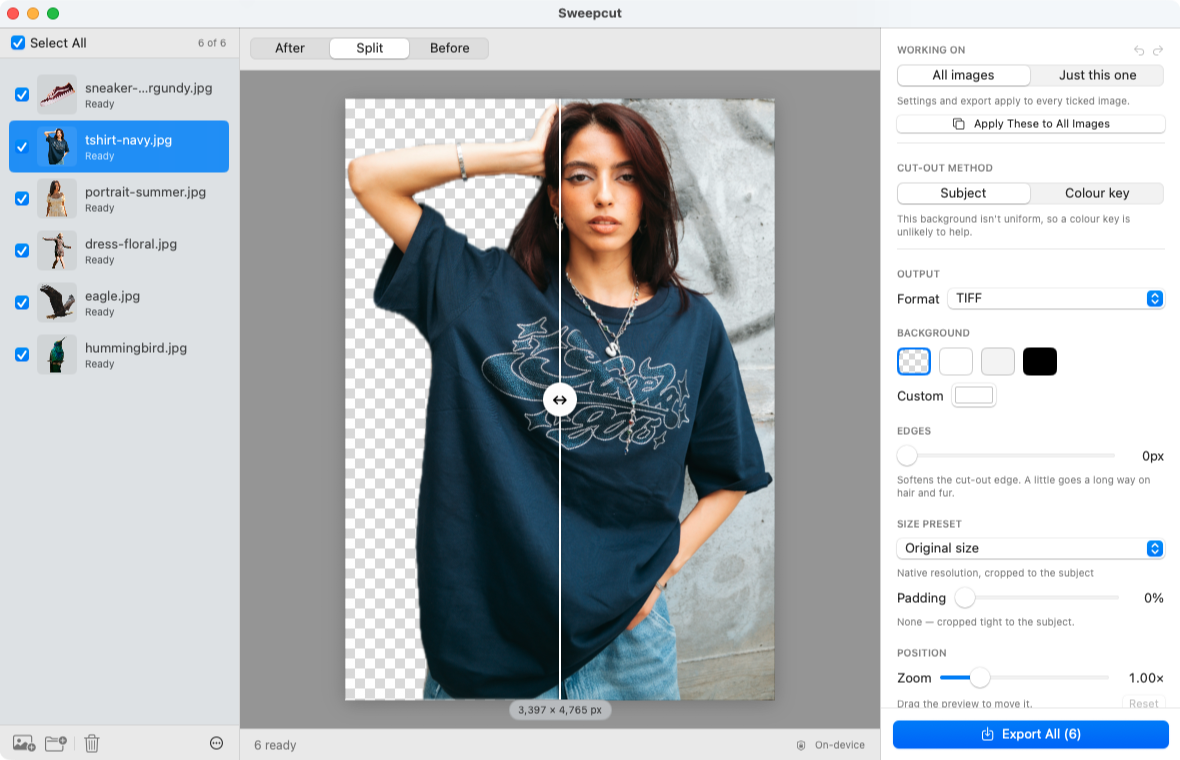
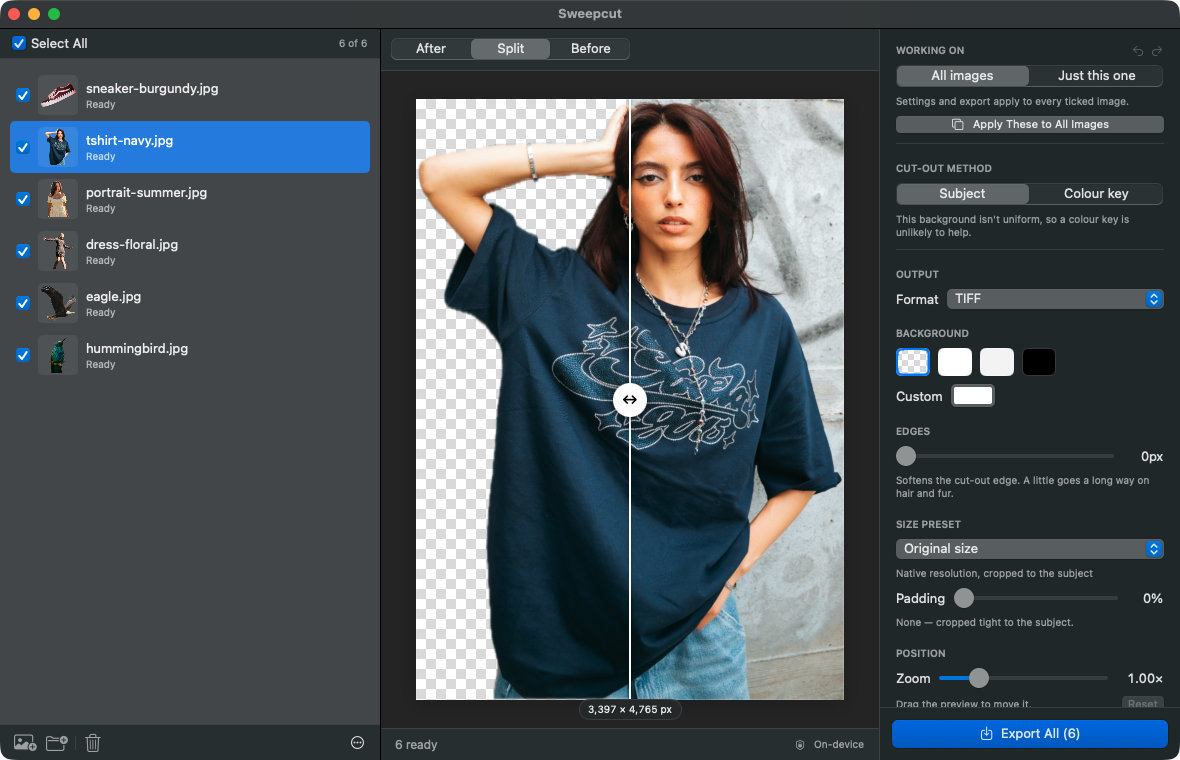
Sweepcut processes every photo 100% on your Mac, inside the macOS sandbox. Your photos are never uploaded, camera data and GPS location are removed from every export, and there's no account to create. Once activated, it works with Wi-Fi turned off.
Switching from Photoroom
Is Sweepcut a full replacement for Photoroom?
No. Sweepcut removes backgrounds and exports marketplace-ready images in batches. It doesn't generate AI backgrounds, shadows or model shots. If you use those, keep Photoroom for them and use Sweepcut for the bulk cut-outs.
Does Photoroom have a Mac app?
Yes. The App Store lists Photoroom for Macs with an Apple M1 chip or later, running macOS 15 or later. It also runs in a web browser.
How many images can I export from Photoroom?
Photoroom's help centre lists 100 exports a month on the free plan, 1,000 on Pro, 3,000 on Max and 10,000 on Ultra. Each image in a Batch counts as one export.
Is there a limit in Sweepcut?
No. Sweepcut scans up to 20,000 images in a folder, and there's no monthly limit on how many you export.
Which Macs does Sweepcut run on?
Sweepcut needs macOS 14 Sonoma or later. It's built for Apple Silicon and runs more slowly on Intel Macs.
Your catalog, cut out this afternoon.
Secure payment by Gumroad · macOS 14 Sonoma or later · Apple Silicon recommended · Back to Sweepcut