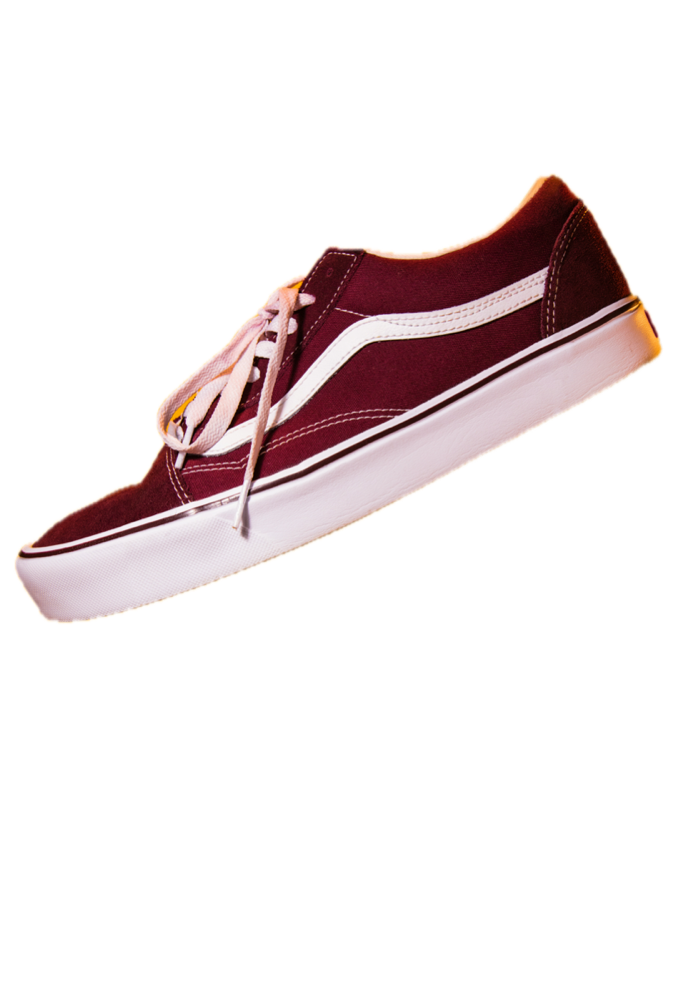
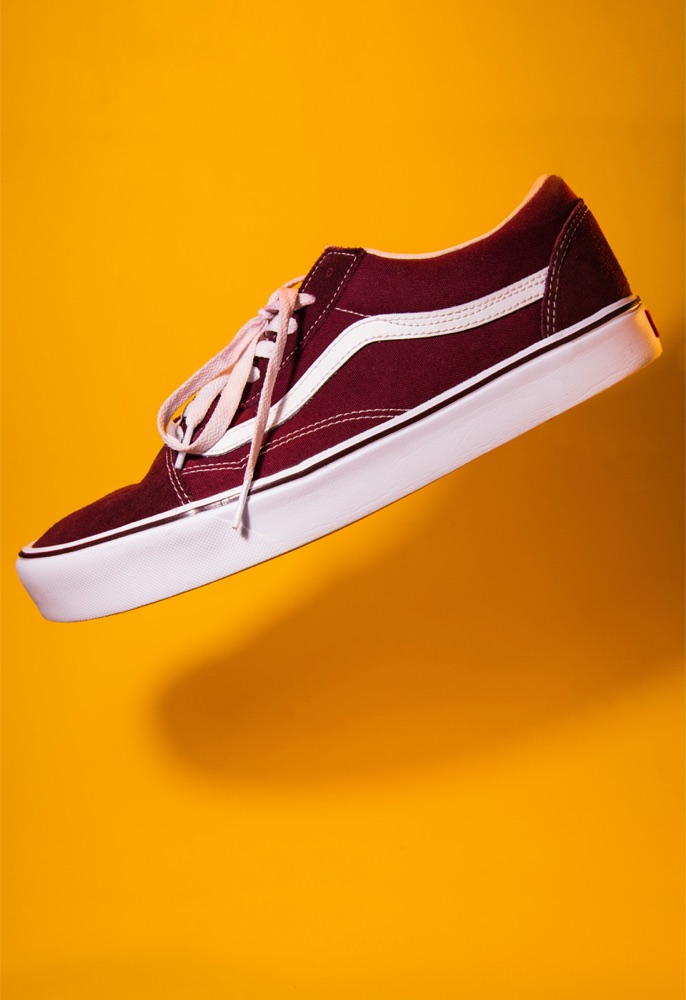
Upscaling is labelled
A small subject on a large canvas gets stretched. If a 378 × 781 subject is placed on Etsy's 2000 px canvas, the file is 2000 px but the detail isn't there. Sweepcut shows the stretch factor next to the size.
Cut out the whole catalog, not one photo at a time.
Sweepcut is a batch background remover for Mac. Drop in a folder of product shots and it removes the background from every one on your Mac, then exports them sized for Etsy, Shopify, Amazon or eBay, with your original filenames. $19, once.
On your phone? After checkout, Gumroad emails you the download link to open on your Mac.
After
Before
to cut out and export 20 photos averaging 22 MP*
photos uploaded. Every cut-out is made 100% on your Mac.
listing and social presets, plus any custom size
once. No subscription, no credits, no account.
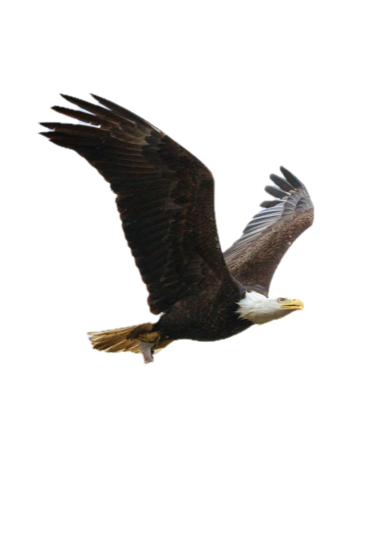
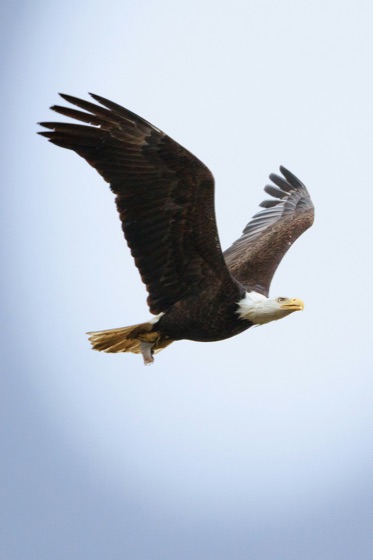
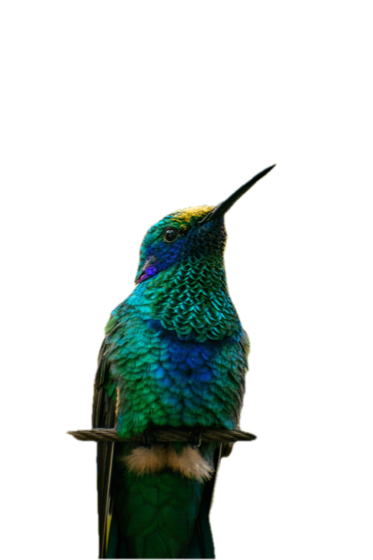
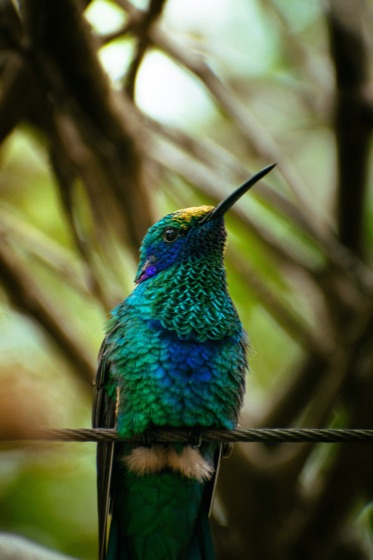
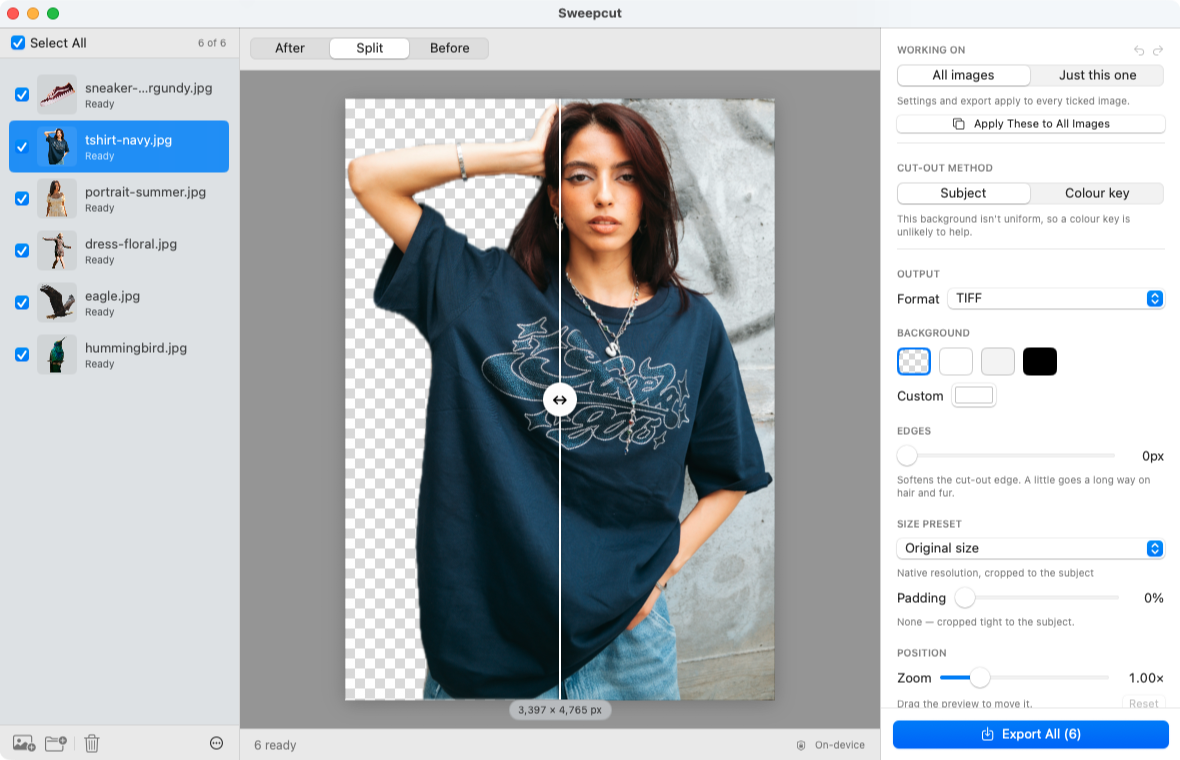
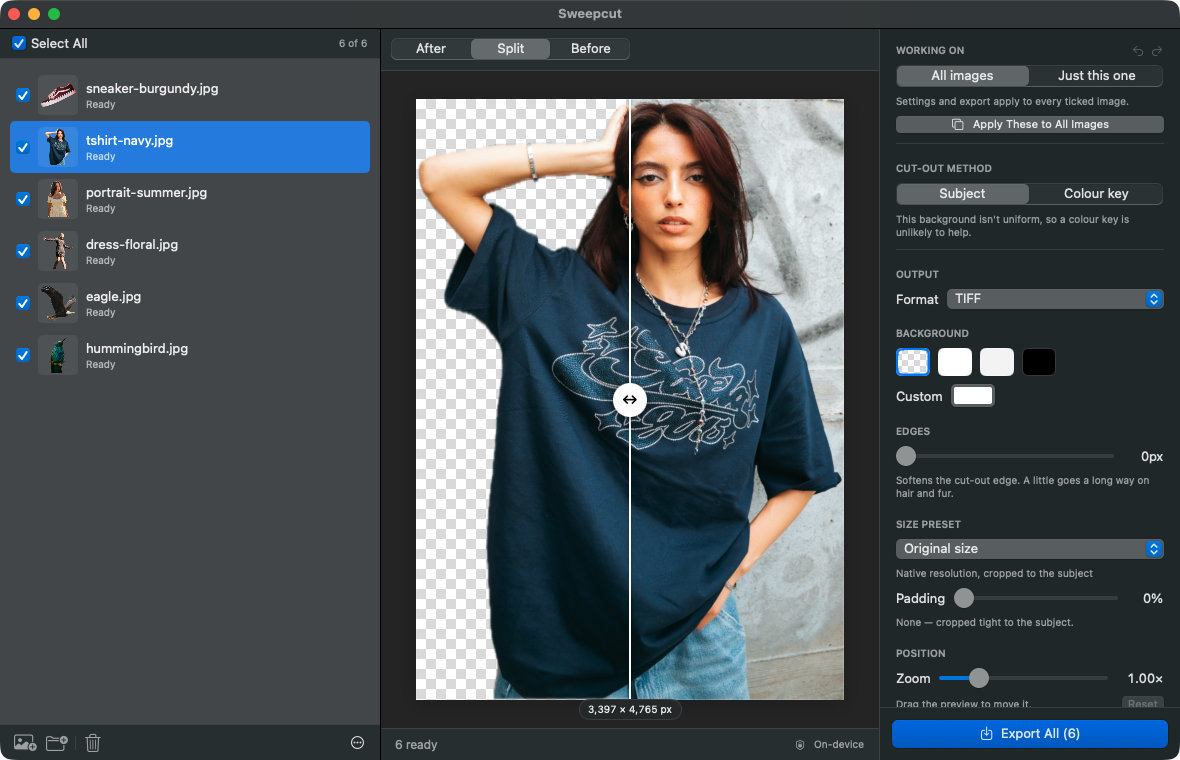
Every one of these backgrounds was removed by Sweepcut. Move across a photo to compare.
Swipe →
AfterBefore
AfterBefore
AfterBefore
AfterBefore
AfterBefore
Hundreds of photos at once, subfolders included. Your filenames are kept.
Apple's own Vision model. Nothing is ever uploaded.
Etsy, Shopify, Amazon and eBay sizes. PNG, JPEG, HEIC, AVIF or TIFF.
One click. Each image keeps its own settings.
Sweepcut is a batch background remover built for catalogs. Drop in a whole folder, subfolders included, and you get a list you can check, tick and export in one go, sized and named for your shop.
Each preset sets the canvas and the padding for you. Export PNG, TIFF, HEIC or AVIF with a transparent background, or put the subject on white, grey, black or any colour. Adjust padding, position and scale by hand when a shot needs it.
Swipe for all 10 →
1080 × 1080
1080 × 1350
1000 × 1500 · 2:3
1080 × 1920 · 9:16
1920 × 1080 · 16:9
any size up to 8000 × 8000
A bad cut-out that looks finished is worse than no cut-out, because you only notice it after the listing is live. So Sweepcut points out problems where you'll see them.
Swipe →
A small subject on a large canvas gets stretched. If a 378 × 781 subject is placed on Etsy's 2000 px canvas, the file is 2000 px but the detail isn't there. Sweepcut shows the stretch factor next to the size.
If there's no clear subject to cut out, the image is flagged. It never exports the original photo placed on a canvas, which in a folder would look just like a real cut-out.
Flat logos and scattered items on a plain backdrop can be cut by colour instead. You choose it, the image is labelled with it, and you can always switch back. How it works on logos.
Stop an export partway and it tells you exactly how many files were written, instead of reporting it as complete.
Many apps say they don't upload your photos. Sweepcut processes every photo 100% on your Mac, with Apple's own Vision model. There's no upload, no cloud and no account, and it runs inside the macOS sandbox. Once activated, it's an offline background remover that works exactly the same with Wi-Fi turned off.
Phone photos store where they were taken. Sweepcut removes camera data and location from every export, so your listing photos don't reveal your home address.
Cutouts use the same Vision subject detection as Photos and Preview, running on your Mac. No extra downloads and no server.
No sign-in, no usage limits and no analytics. Paste the key from your receipt once, then start dropping in folders.
Online removers do the cut-out too. The difference is where your photos go, what you pay, and everything that happens after the cut.
| Sweepcut | Cloud removers | |
|---|---|---|
| A whole folder at once | Yes, recursive | Often limited or paid per image |
| Marketplace sizes | 9 presets + custom | Some |
| Your photos leave your Mac | Never, processed on your Mac | Yes, uploaded |
| Works offline | Yes, after activating once | No |
| Keeps original filenames | Yes | Varies |
| Price | $19 once | Subscription or credits |
Secure payment by Gumroad
macOS 14 Sonoma or later · Apple Silicon recommended
Sweepcut runs entirely on your Mac, so there's nothing to bill you for every month.
Sweepcut is a Mac app that removes the background from photos in batches. Drop in a folder and it cuts out every subject using Apple's own Vision model, entirely on your Mac, then exports each one as a transparent or solid-colour image sized for Etsy, Shopify, Amazon, eBay or social media. It costs $19 once.
Drop the folder onto Sweepcut. It finds every image inside, subfolders included, removes each background and lists the results so you can check them. Pick a size preset and a format, then click Export to save them all at once, keeping your original filenames.
They're as good as the subject cut-out in Photos and Preview, because they use the same Apple Vision model. Products, people, pets and objects come out clean. Flat graphics and loose piles of small items can be missed. For those, Sweepcut offers its cut-by-colour method instead of exporting a bad result.
remove.bg removes backgrounds on its own servers and charges per image or by subscription. It has announced that its website, desktop app and self-service API close on 1 December 2026, when it moves into Canva. Sweepcut runs entirely on your Mac, never uploads your photos, and costs $19 once. See the remove.bg alternative for Mac.
It runs on macOS 14 or later. It's built and tuned for Apple Silicon, and batches will be noticeably slower on Intel.
Only once, to activate Sweepcut. After that it works exactly the same with Wi-Fi turned off. Every photo is processed 100% on your Mac and never sent anywhere.
No. By default, exports go into a new Cutouts folder. If a filename is already taken, the new file is numbered instead of replacing the old one. When you add a folder again, Sweepcut skips its own Cutouts folder so it doesn't process its own exports.
Yes. Any format can go on white, grey, black or a custom colour. PNG, TIFF, HEIC and AVIF can also stay transparent. JPEG can't hold transparency, so it always gets a solid background. The Etsy, Amazon and eBay presets switch to a white JPEG for you, because Etsy shows transparent areas as black and Amazon requires pure white.
Yes. Turn off Crop to subject and the export keeps the photo's full size, with the background removed and the subject exactly where it was, so it lines up with the original.
PNG, JPEG, HEIC, AVIF and TIFF. AVIF only appears in the format menu on Macs whose version of macOS can write it. Every format has camera and location data removed.
Yes. You pay $19 once on Gumroad. There's no account and no subscription, and every 1.x update is free.
Yes. Preview, Photos and Finder can remove backgrounds for free with the same Apple model, as transparent PNGs at the original size. Sweepcut adds what a catalog needs: whole folders with subfolders, marketplace sizes and padding, background colours, five export formats, a list to review before you export, and your original filenames. See Sweepcut vs Preview.
Secure payment by Gumroad · macOS 14 Sonoma or later · Apple Silicon recommended